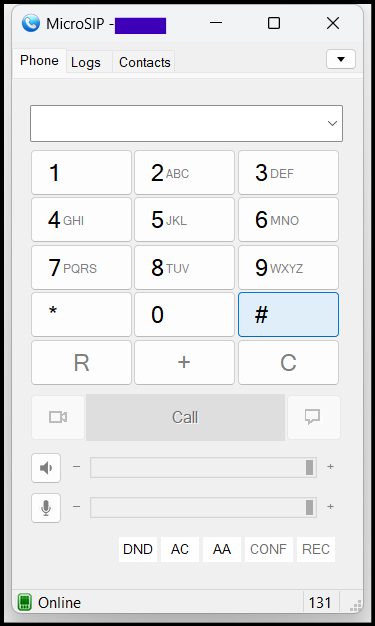
To establish connectivity between the IPPBX (FIBERME FCM) and the mobile, it is necessary to enable registration for the mobile device on the IPPBX. This will enable the mobile to connect with other extensions registered on the IPPBX
TOPOLOGY
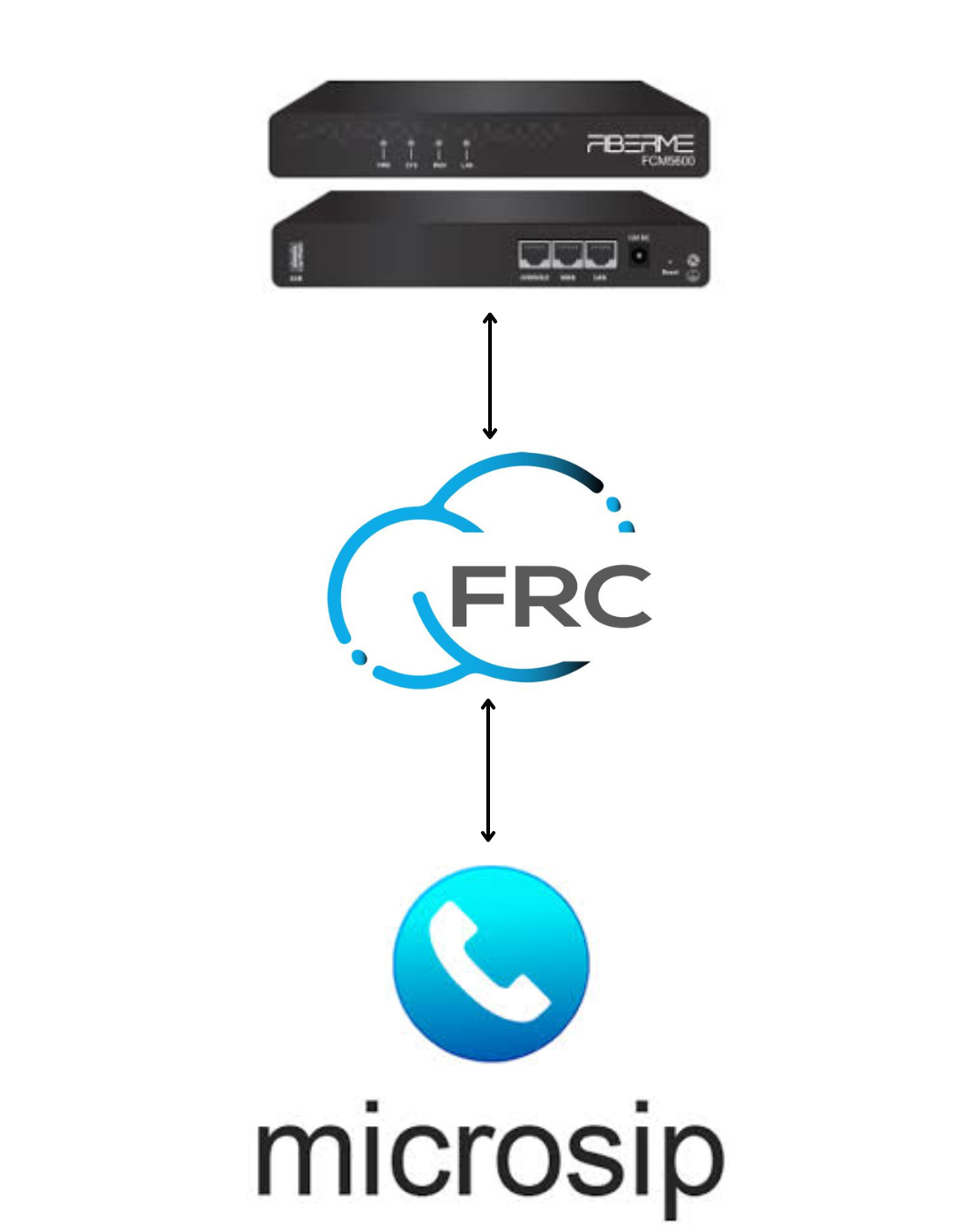
IPPBX FCM5600 #
– Navigate to PBX Settings → Extensions/Trunks → IP Extensions
Access the list of all registered extensions on the PBX.
– Choose the extension → Edit → Features
Select the extension you want to configure for remote access and open its features settings.
– Enable Remote Extension
Allow the extension to register and connect from outside the internal network (remote access).
– Number Of Simultaneous Registrations: 5
Permit the extension to be registered on up to 5 devices or softphones simultaneously.
– Register Expiration: 180
Set the registration validity period in seconds before the extension needs to refresh its registration automatically.

– Navigate to Value Added Features → FRC
Access the FRC (FiberME Remote Connect) settings within your PBX or system.
– Copy the domain server
Get the FIBERME FRC domain (e.g., yourmacaddress.fiberme.cloud) which will be used for remote registration and connectivity.

On PC #
– Connect the PC to the internet by Wi-Fi, 4G, or 5G
Ensure your PC has an active internet connection to use MicroSIP and register the extension remotely.
– Download MicroSIP
Get the MicroSIP softphone application from the official website or trusted source.
– Open MicroSIP
Launch the application to begin configuring the extension for remote registration.

Navigate to Add Accounts
Open the account setup section in MicroSIP to add a new SIP account.
Account Name: Use your Extension
Enter your extension number as the account name for easy identification.
SIP Server: (e.g., yourmacaddress.fiberme.cloud:5162)
Enter the FRC SIP server address and port for remote registration.
User Name: Use your Extension
Enter the extension number as the username for authentication.
Domain: (e.g., yourmacaddress.fiberme.cloud:5162)
Use the same FRC domain and port as the SIP server for proper registration.
Login: Use your Extension
Enter your extension number again to log into the SIP account.
Password: Use SIP Password
Enter the SIP password provided for the extension to authenticate.
Transport: TLS
Select TLS as the transport protocol to secure SIP communication.
Click Save
Save the account settings to complete the configuration.

Finally, you are logged in now