



 Hold and swap
 3-way conference
 Transfer


FRC Cloud Service
Remote extensions with no VPN, static IP or dynamic DNS, from a Free plan.

 Free
 Your SIP PBX was built for one office. Your business wasn’t. Add FRC to any SIP PBX.Explore NEXUSAGE →
ChromeClick to CallThe free Chrome extension that calls any phone number on any website with SWING Lite.+1 (703) 228-9737
Your office extension on your mobile, your computer and your web browser, free for FIBERME users
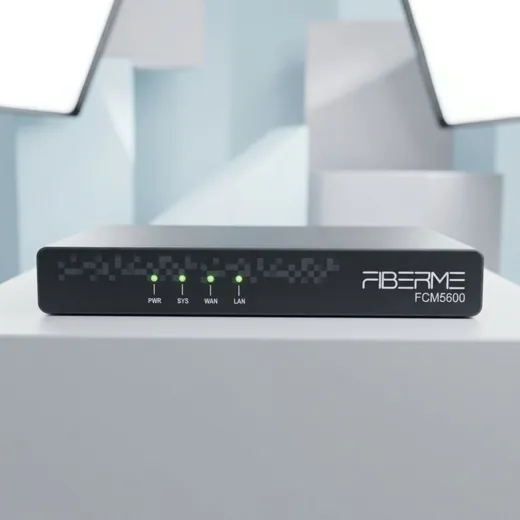
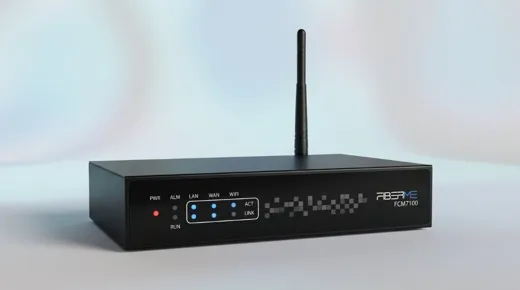
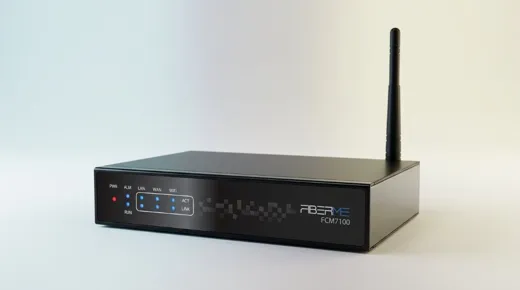
SWING Lite registers your extension on the FIBERME FCM5600 or FCM7100 IP-PBX, so you can make and receive business calls at the office, at home or while you travel, with no complicated network setup.

SWING Lite is the free FIBERME softphone. Sign in with your office extension and your business calls go where you go.
Caller ID shows who is calling before you answer, even when the app is closed.
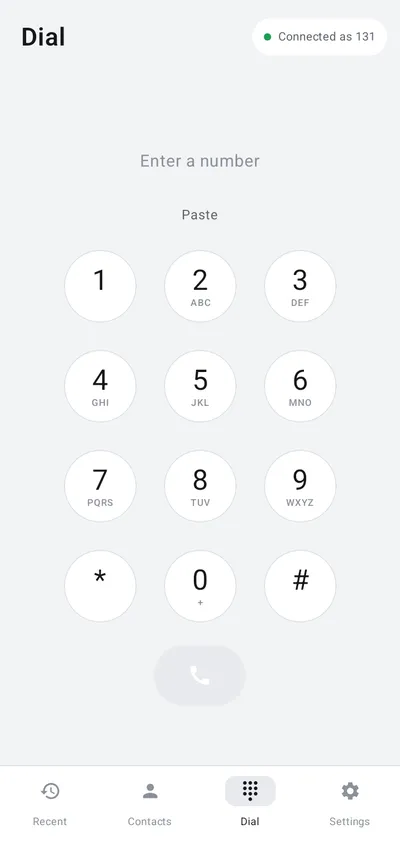
Two calls at once, a 3-way conference where everyone hears everyone, and attended or blind transfer, one tap each.
Pick the look that suits you. Same keypad, same calls.
Windows, Mac and the web browser built into your FCM, plus iPad. At the office on the local network, or anywhere through FRC.
Download SWING Lite and sign in with your extension.
Choose Local or FRC, then enter your extension number and password. SWING Lite finds the PBX address or the FRC domain for the connection you choose. Pick one on the card to see the difference.
Local At the office, SWING Lite reaches the FCM directly over the office network, wired or WiFi.
FRC Anywhere else, SWING Lite reaches the FCM through the FRC cloud over WiFi or mobile data, with no port forwarding, static IP or IT setup.
Sign in to your extension
Connection type
Connected as 1001

The free SWING Lite app turns your mobile phone into your business extension, connected to your company’s phone system from almost anywhere in the world.
Work remotely, stay reachable while you travel and answer calls away from your desk, without a desk phone or a softphone on a computer.


SWING Lite for Windows puts your extension on your PC or laptop, at the office or off-site through FRC, with no complicated connections.


SWING Lite WebRTC
SWING Lite WebRTC is built into the FCM5600 and FCM7100 series, so there is nothing to install. Open it in your web browser on the office network, or from anywhere with a good internet connection.
Sign in with your extension and make and receive calls at the office, at home or while you travel, from almost any computer.
SWING Lite works natively with the FIBERME IP-PBX range, with the same features at every site.

Through FRC, remote users connect to your FIBERME PBX securely from any location. Install SWING Lite, sign in and start calling.
SWING Lite works with the rest of the FIBERME system.
Remote extensions with no VPN, static IP or dynamic DNS, from a Free plan.

The FCM5600 and FCM7100 series, for up to 1,500 users.

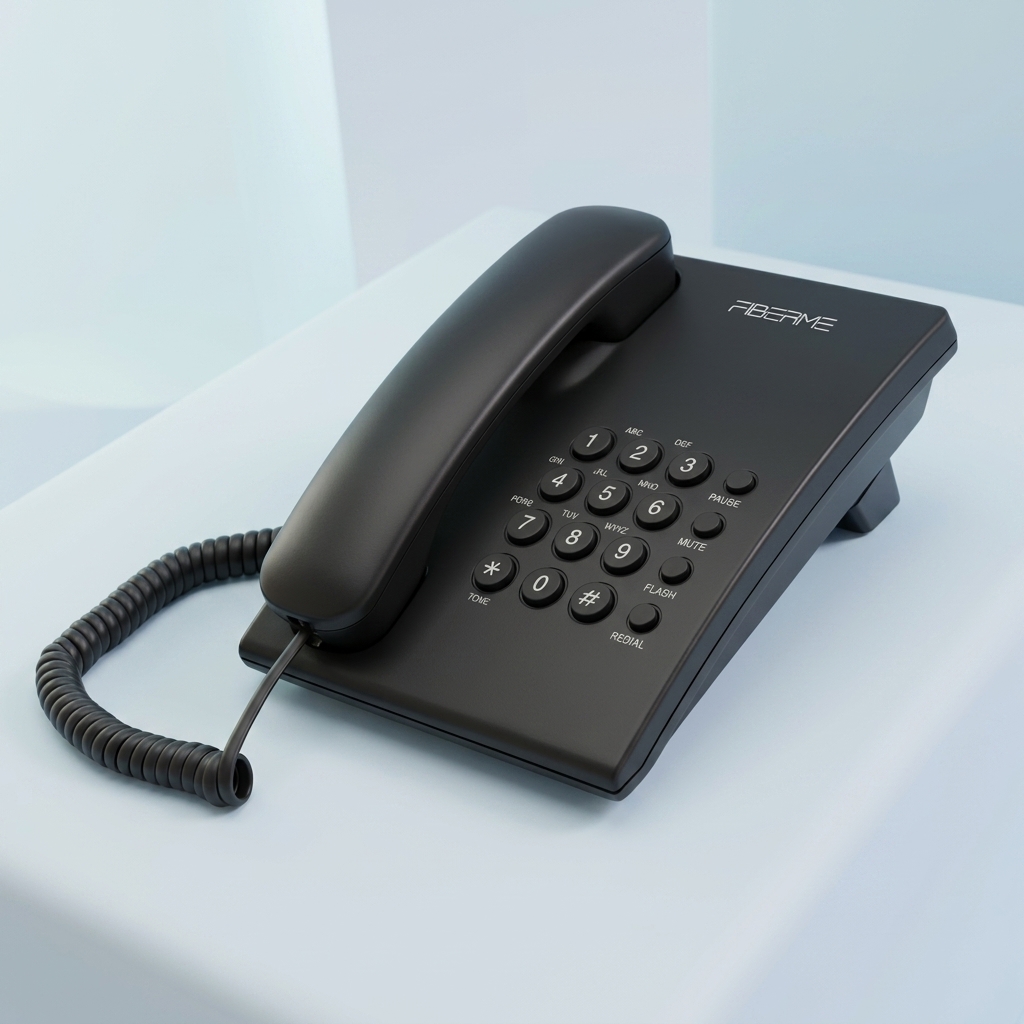
Desk, hotel and WiFi IP phones beside the softphone.

USB and Bluetooth headsets for SWING Lite on your computer.
Call +1 (703) 228-9737 in the USA or +971 56 1030 272 in the UAE, or email sales@fiberme.com.